Transform how everyday work gets done.
Distraction-free document writing, calm email, and seamless calendar scheduling — all in one private, lightning-fast workspace designed for pure focus.
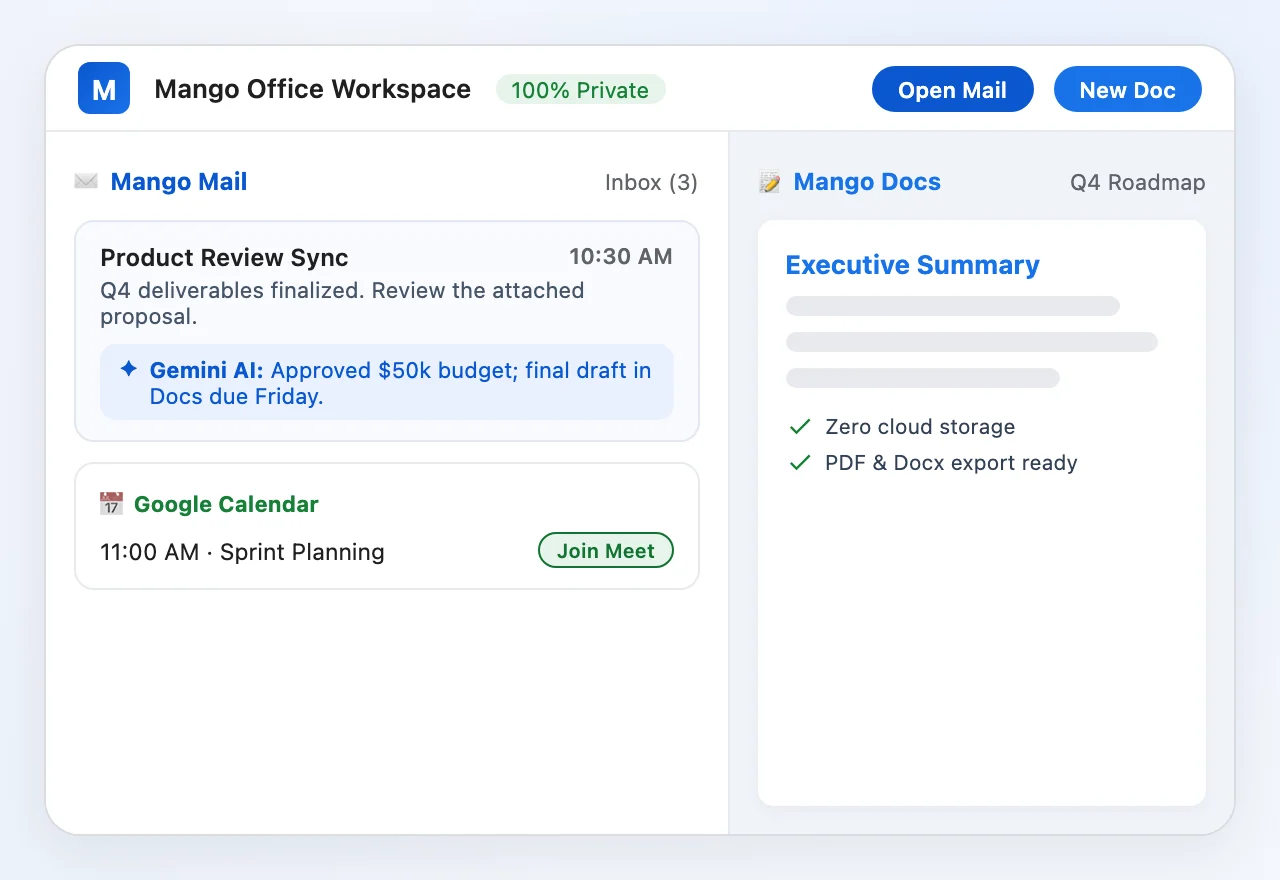
Built to help you do your best work
Switch seamlessly between writing, communicating, and organizing your schedule with zero context switching.
Write clearly, format effortlessly, and export anywhere
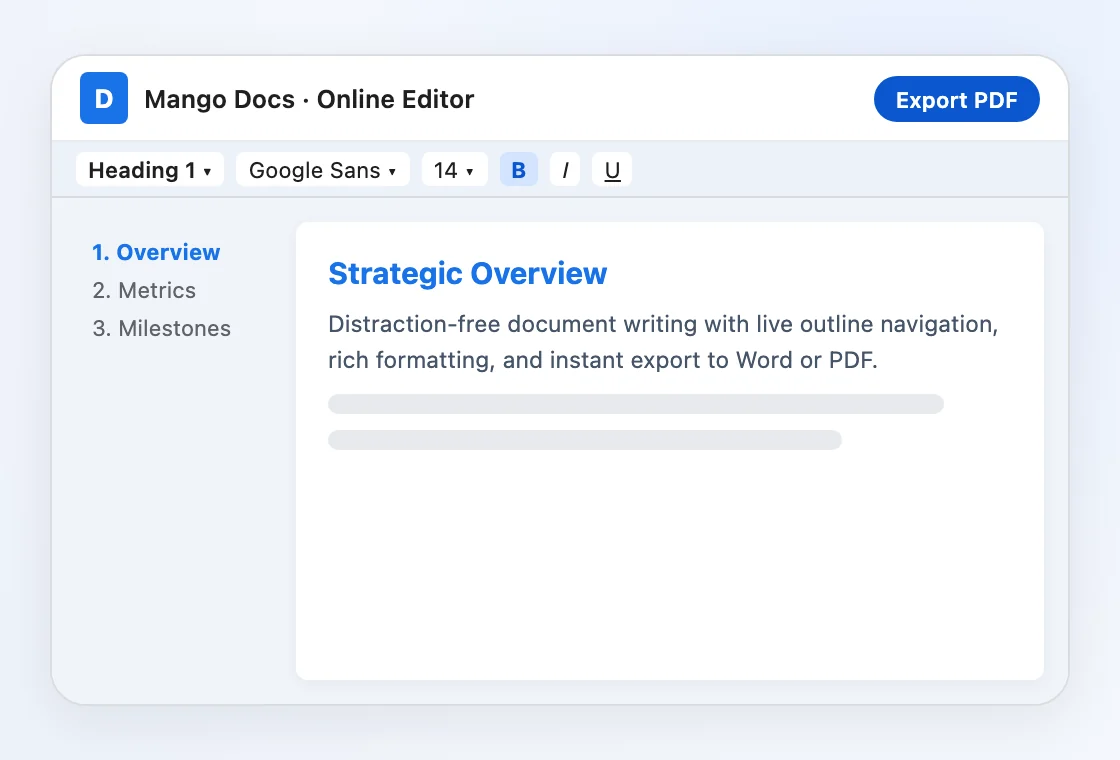
Mango Docs provides a clean, distraction-free environment for reports, strategy notes, and outlines. Dual-engine support lets you switch instantly between WYSIWYG styling and native Markdown mode.
Instant 1-click export to Word & PDF
Download standard .docx files compatible with Microsoft Word and Google Docs, publication-ready PDFs, or clean .md markdown files in a single tap.
Designed for speed, built for privacy
We re-architected everyday productivity tools from the ground up to respect your attention and your personal data.
⚡ Instant Speed
Every tool is engineered for near-zero latency. Pages load in under 15ms, keystrokes register instantaneously, and memory usage remains razor-thin.
🔒 Real Privacy
No telemetry, no tracking pixels, and zero server storage. Your draft documents, email tokens, and personal notes remain exclusively on your device.
✨ Thoughtful AI
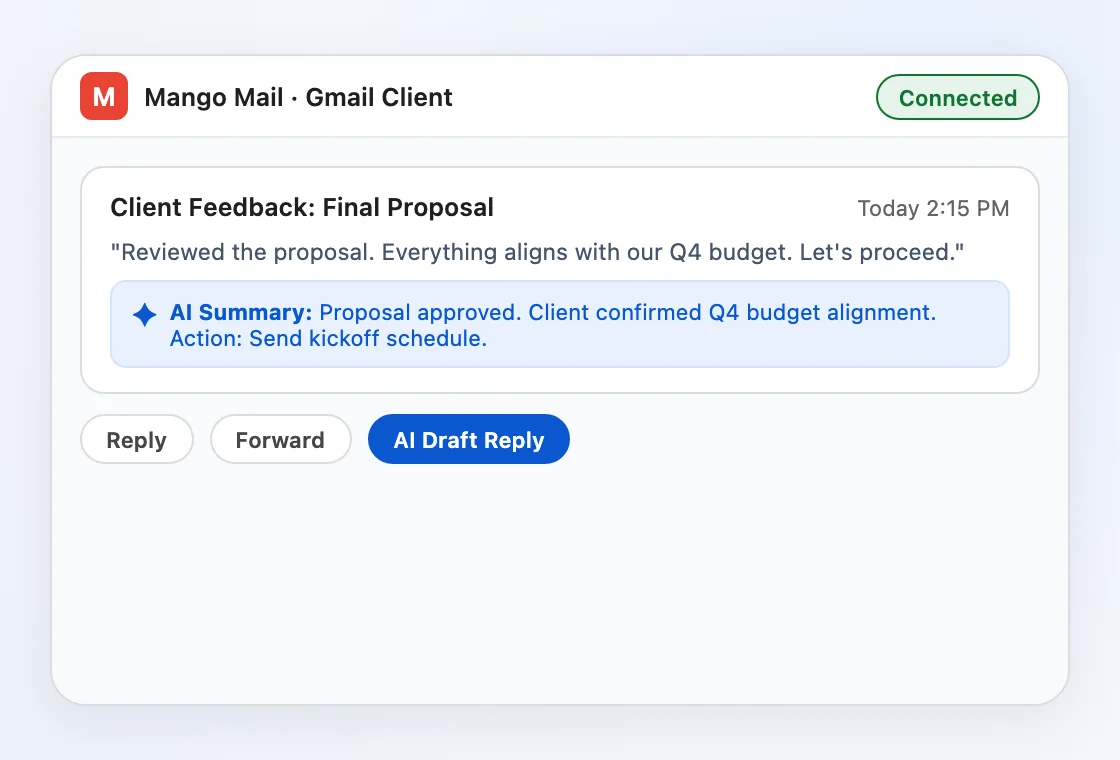
On-demand Gemini intelligence summarizes complex email threads and assists draft revisions in seconds — only when you ask for it, never in the background.
✈️ 100% Offline-Ready
Write, format, review, and export your work anywhere. Never lose a sentence on a flight, train, or when Wi-Fi drops.
Explore the Mango Office tools
Each app is purpose-built to do one thing exceptionally well.
Mango Docs
Document & Markdown EditorDistraction-free document writing with real-time outline navigation, typography formatting, and instant PDF/Docx export.
Mango Mail
Calm Email for GmailUltra-clean Gmail client with built-in product showcase, instant demo mode, client-side privacy, and Gemini AI thread summaries.
Calendar View
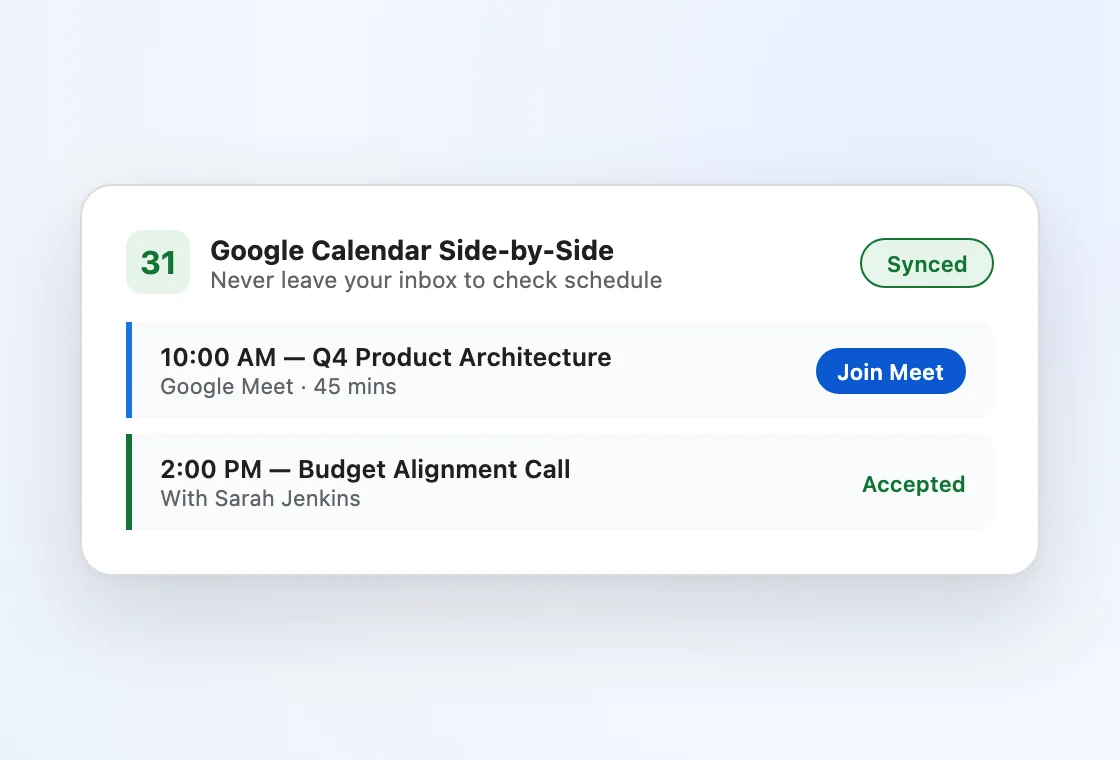
Integrated Agenda & MeetingsSide-by-side Google Calendar integration that allows you to review your daily agenda and join Google Meet calls right beside your email.
Frequently asked questions
What is Mango Office?
Where is my personal data stored?
Can I use Mango Office offline?
How does the Gemini AI integration work?
Ready for a faster, calmer workday?
Experience the freedom of distraction-free documents and calm email running directly on your hardware.