Create, edit, and format documents — effortlessly.
Distraction-free writing with rich typography controls, instant document outline navigation, and built-in Markdown support. 100% private, offline-ready, and zero cloud storage lock-in.
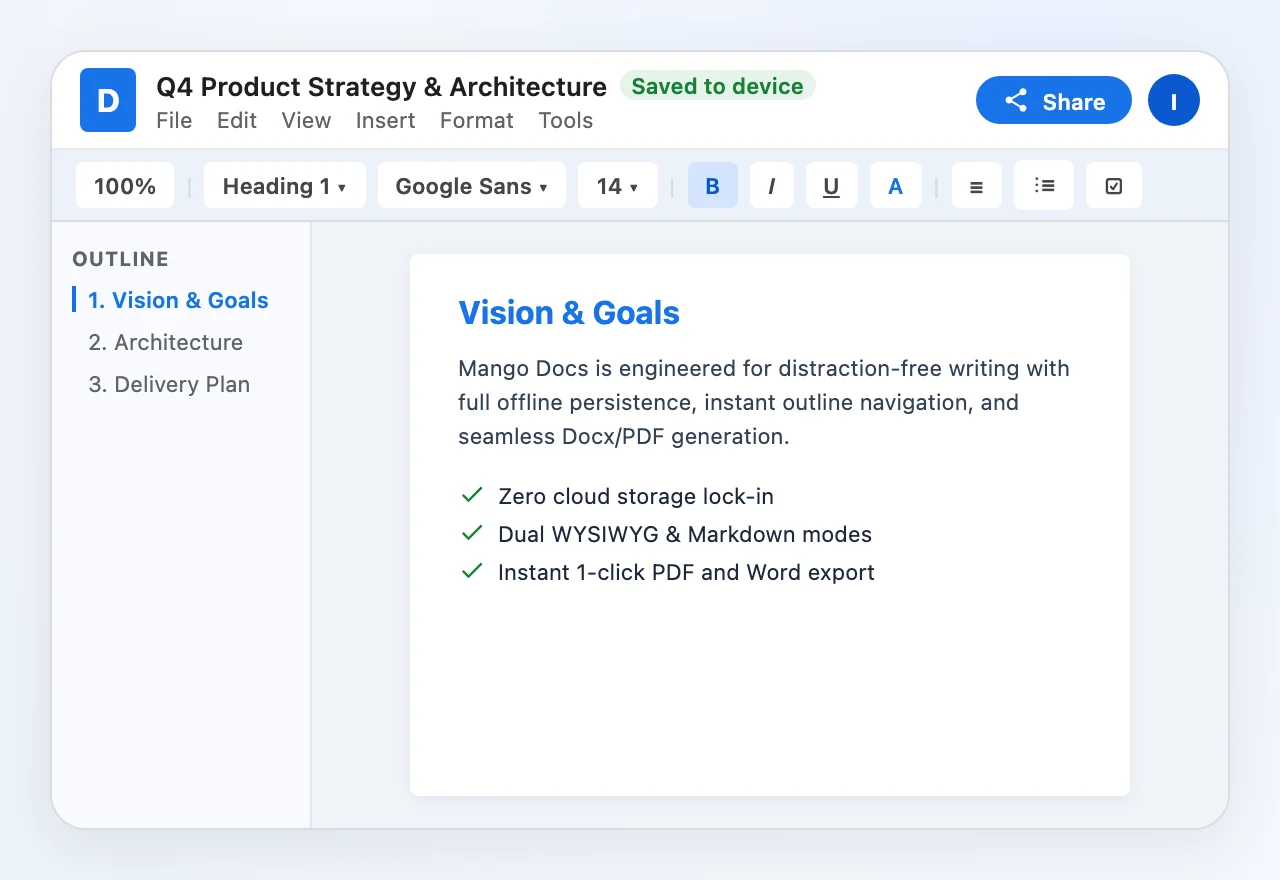
Everything you need to write your best work
Spend less time fiddling with margins and more time shaping your ideas with intuitive, high-speed tools.
Focus entirely on your words
A clean, uncluttered canvas designed for deep focus. Zero banner ads, zero distracting notifications, and 0ms typing lag.
Live document outlines
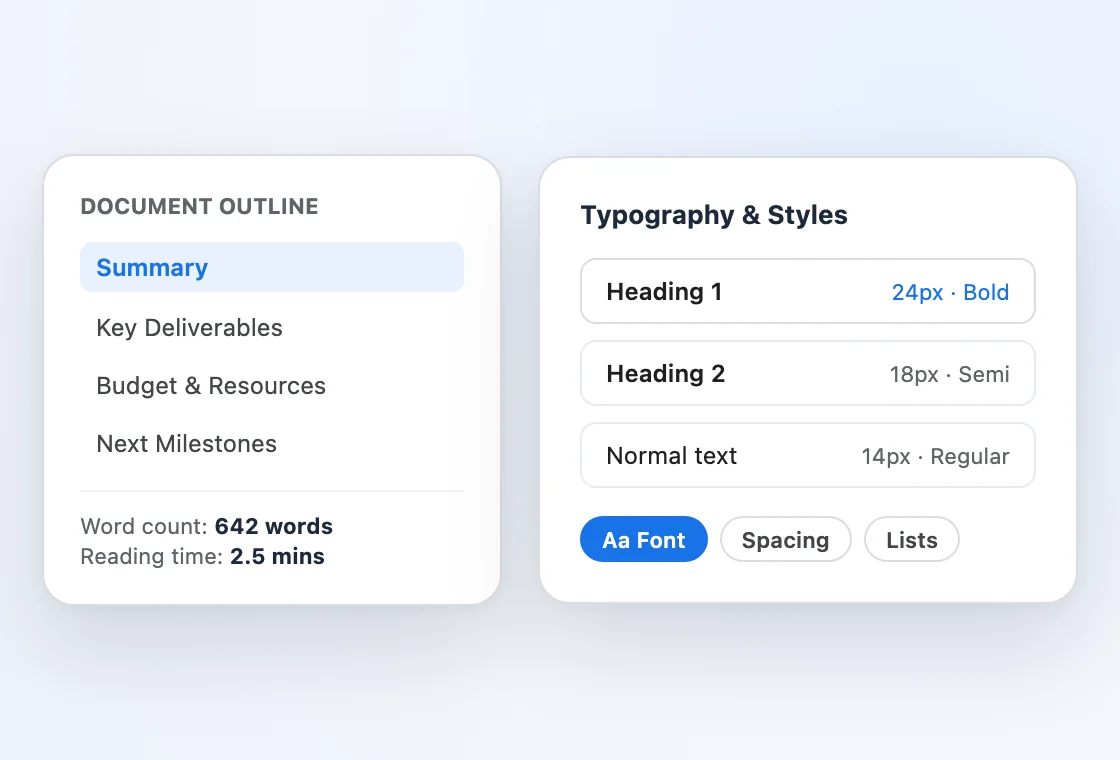
An auto-generated table of contents tracks your headings in real-time, letting you jump across sections with a single tap.
Real-time metrics at a glance
Stay on track with live word count, character metrics, and estimated reading time updating as you type.
The best of both worlds: Visual editing meets Markdown
Write the way you think — seamlessly toggle between polished WYSIWYG styling and clean Markdown syntax.
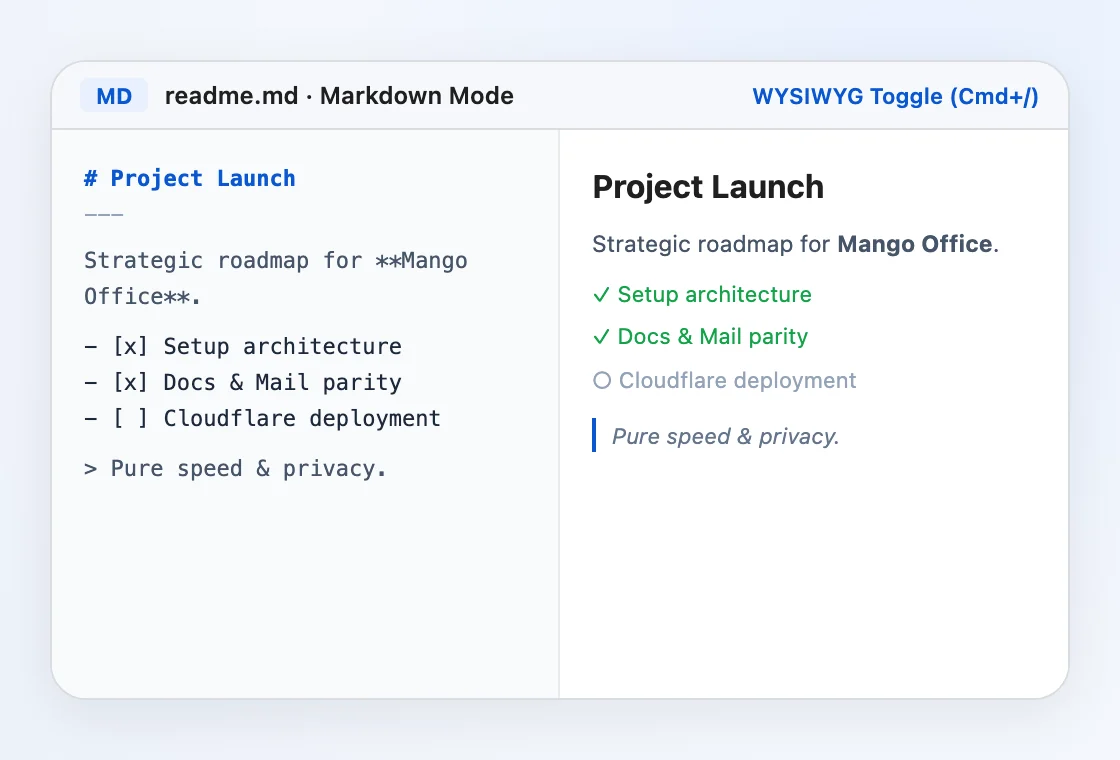
Switch modes whenever you want
Format with familiar visual keyboard shortcuts (Cmd+B, Cmd+I) or switch to pure Markdown code for rapid technical notes.
Clean syntax & developer-friendly blocks
Native support for code blocks, interactive task lists, blockquotes, and tables without messy hidden HTML markup.
Instant live preview
See your markdown transform into elegant typography in real time with zero compiling lag or page reloads.
Export anywhere in one click
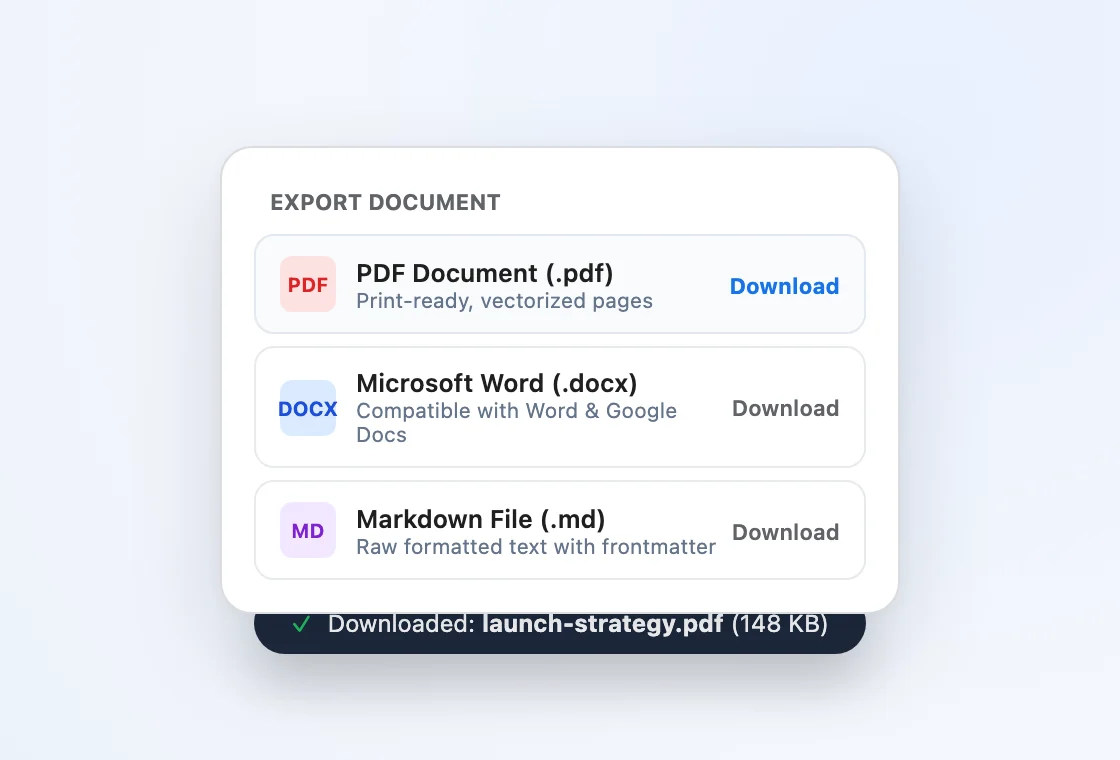
Universal file compatibility ensures your documents look identical on every screen and device.
Publication-ready PDF (.pdf)
Generate clean, vectorized PDF documents with accurate margins and precise page breaks for reports and contracts.
Standard Microsoft Word (.docx)
Download fully formatted Word documents ready for colleagues using Google Docs, Office 365, or desktop Word.
Clean Markdown (.md)
Export pristine plain text markdown for your knowledge base, Obsidian vault, or GitHub repository.
Your words stay strictly yours
A document editor that truly respects your privacy — no tracking scripts, no cloud scraping, and zero server storage.
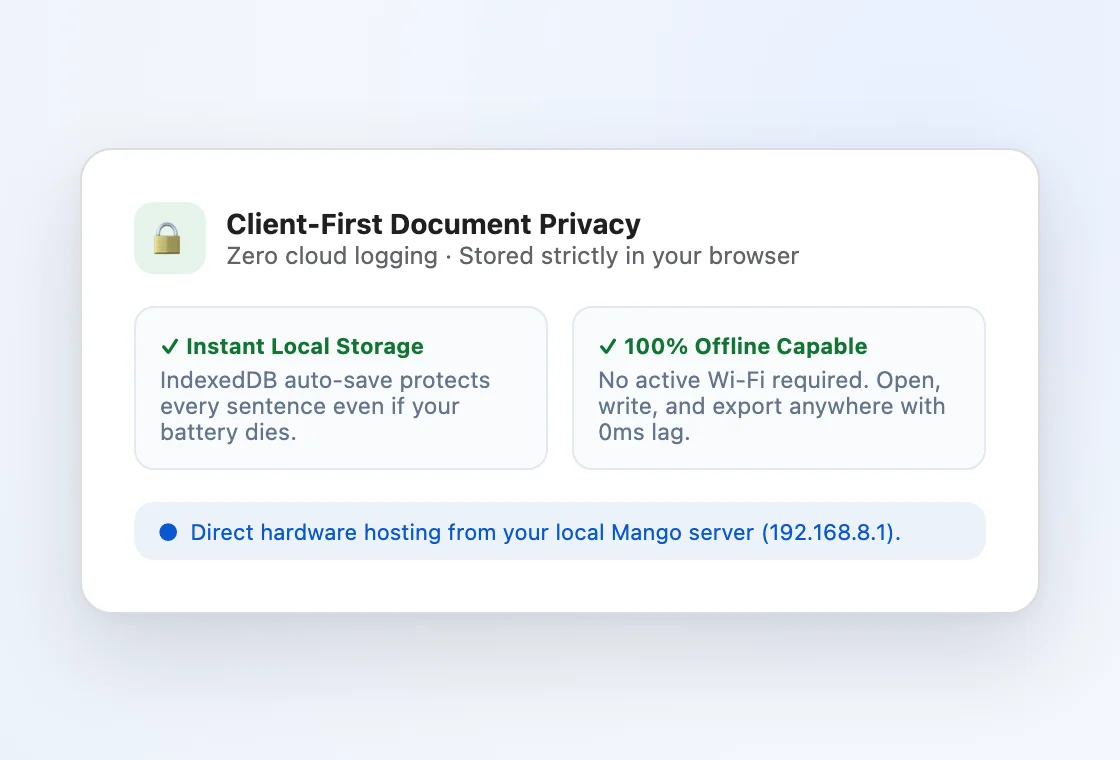
Your documents live on your device
Drafts are saved directly to your browser's local database (IndexedDB). Your words are never uploaded, read, or scanned.
Works 100% offline
Keep writing uninterrupted on trains, flights, or off-grid. Every sentence is safely preserved without an internet connection.
Zero cloud lock-in
Never worry about proprietary formats holding your writing hostage. Export your work freely whenever you choose.
Instant 0ms keystrokes
Experience the fluid speed of local processing. No waiting on remote servers or network lag while you write.
Part of the Mango Office family
Pair Mango Docs with Mango Mail for a unified, private, lightning-fast workspace.
Frequently asked questions
Can I open and export Microsoft Word and Google Docs files?
.docx format, which opens natively in Microsoft Word, Google Docs, and LibreOffice with full formatting preserved. You can also export publication-ready PDFs and plain text .md markdown files.Are my documents saved automatically?
Does Mango Docs work offline?
How do I switch between visual WYSIWYG and Markdown mode?
Cmd + / (or Ctrl + / on Windows). Your content is preserved seamlessly across both editing environments.Ready to start writing?
Open your document in seconds. No account, no subscription, and zero setup required.