Fast, focused email — built for your best work.
Stay on top of your Gmail and Google Calendar in one calm, instant workspace — with one-click thread summaries, side-by-side scheduling, and privacy you can trust.
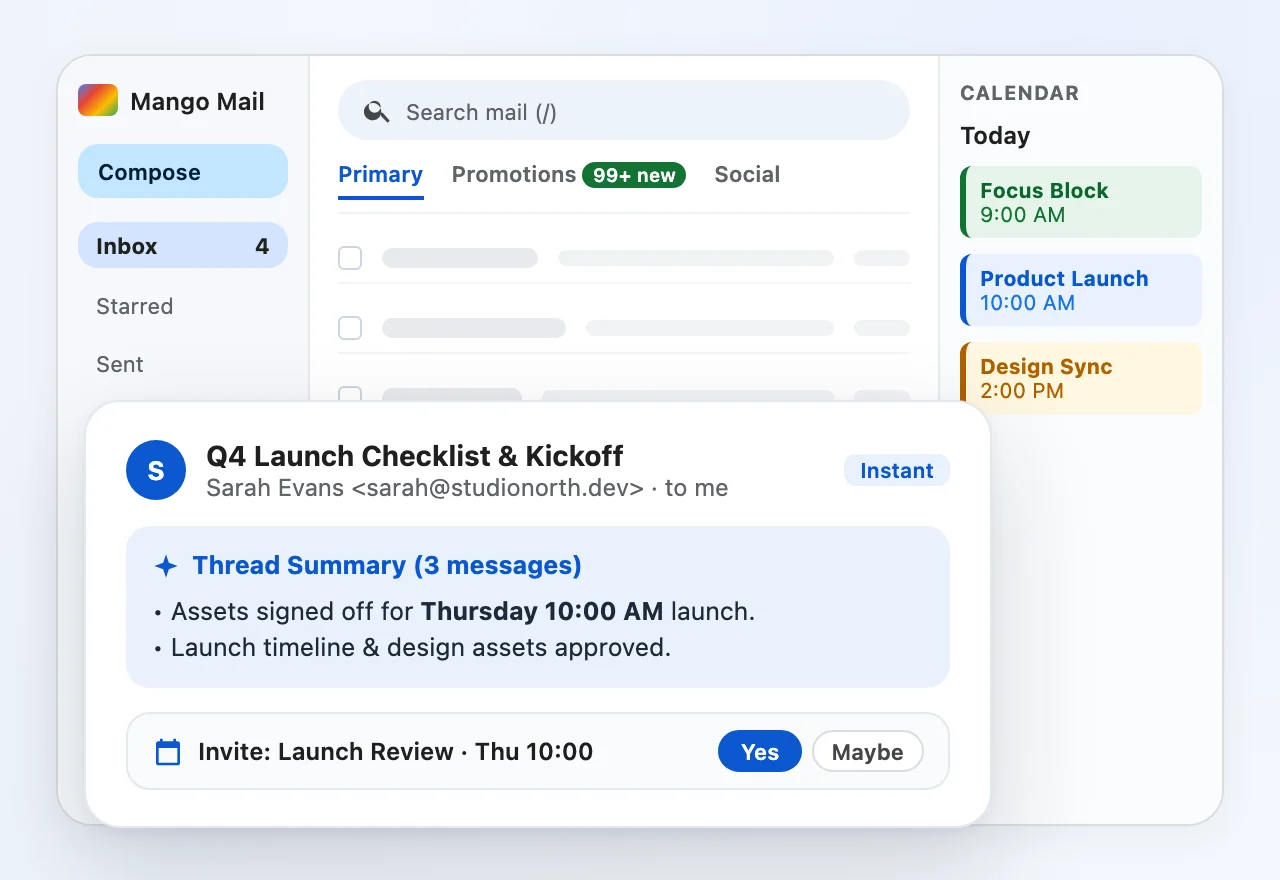
Built for instant clarity
Spend less time digging through long threads and more time acting on what matters.
Get caught up on long threads fast
Summarize multi-reply conversations in one click to spot key dates, decisions, and next steps right away.
Open every conversation without waiting
Messages appear the moment you click so moving through your inbox feels effortless, even on busy mornings.
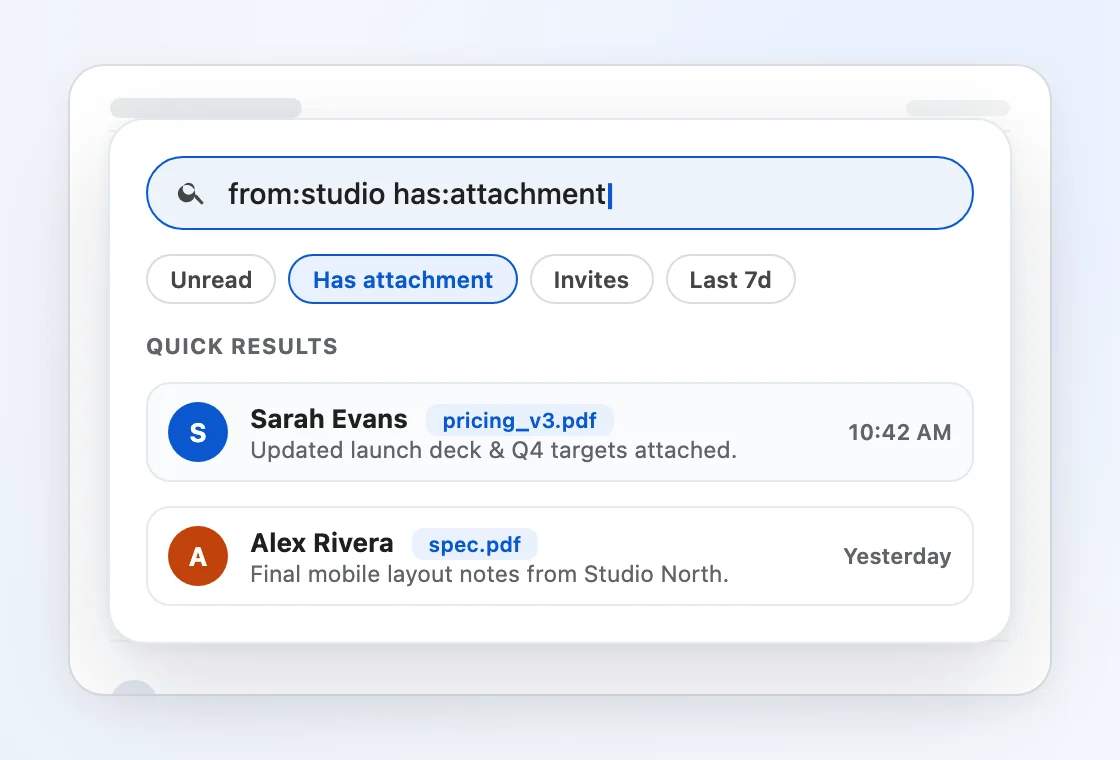
Find the exact email in seconds
Filter by Unread, Attachments, Starred, or Calendar invites in one tap — or press / to search right away.
Email that’s private, safe, and puts you in control
Your inbox belongs to you — never scanned for ads, never copied to a middleman server, and always under your control.
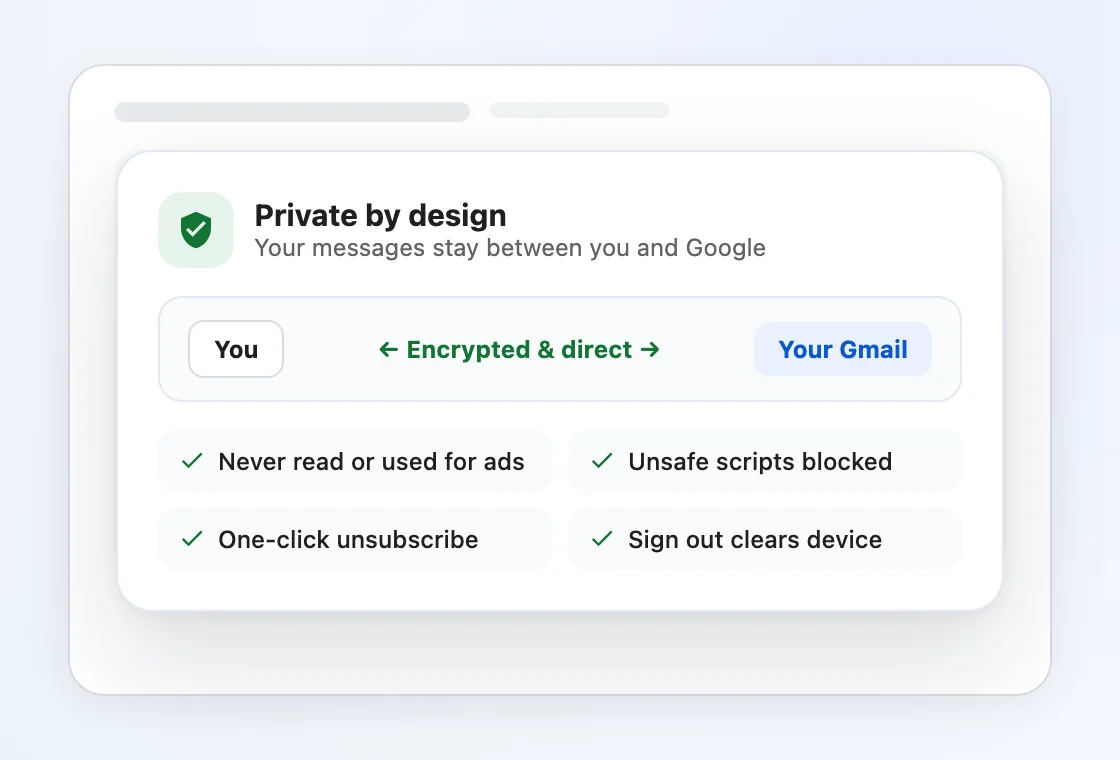
Your emails stay strictly yours
Mango Mail connects straight to your Google account, so your messages are never stored, read, or shared anywhere else.
Never used for ads or tracking
No ad profiling, no hidden analytics, and zero clutter competing for your attention while you read.
Clean, safe newsletter view
Rich emails, receipts, and promotions look just the way senders designed them while unsafe scripts are blocked automatically.
One-click unsubscribe & sign-out
Leave unwanted mailing lists right from the message header, and clear your session from shared devices in a click.
Get more done without switching tabs
Plan your day, reply faster, and stay in flow from one clean screen.
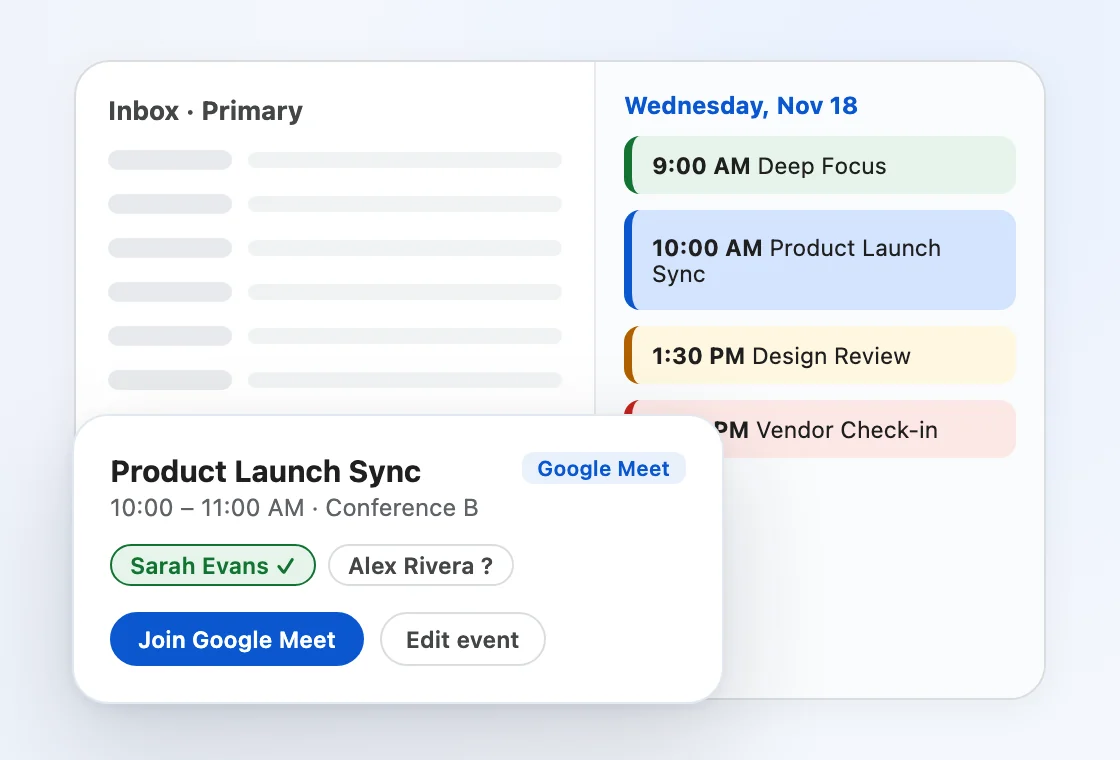
Your calendar, right beside your mail
Check today’s schedule at a glance, join Google Meet calls in one click, and reply Yes, Maybe, or No to invites without leaving your email.
Read the way you prefer
Organize with Priority tabs, surface Unread or Important messages first, or open a side-by-side reading pane from Quick Settings.
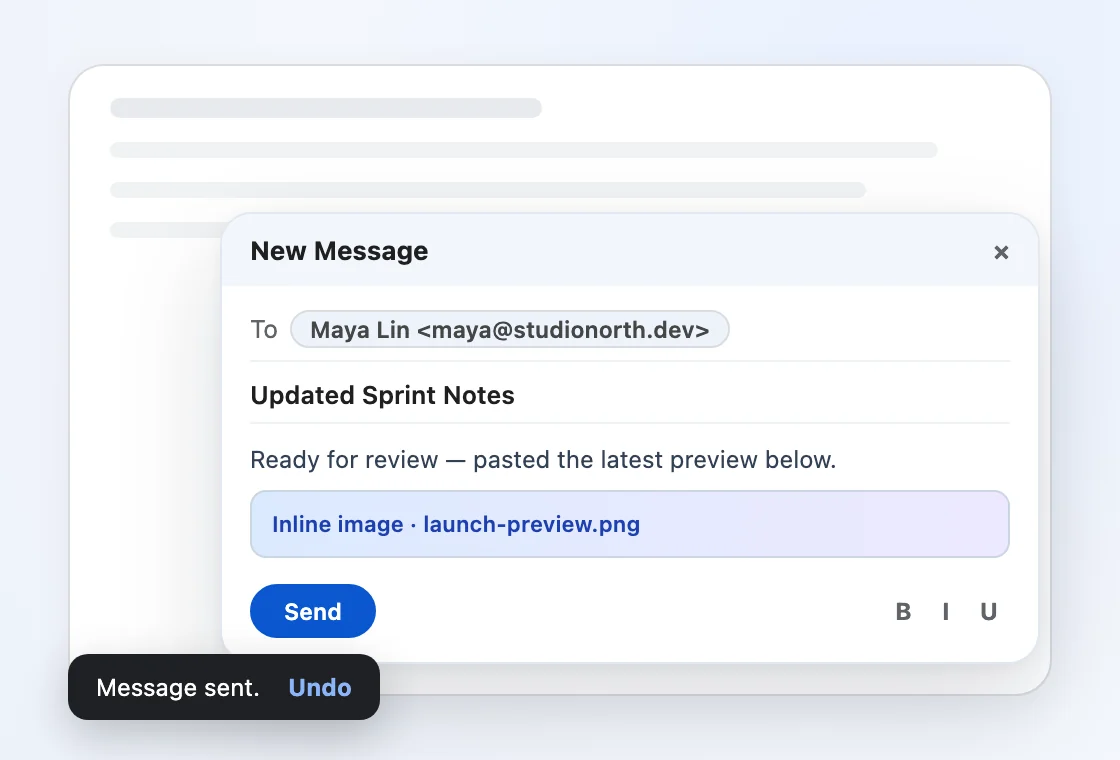
Write and reply without losing context
Draft messages in a floating window while referencing other emails, paste images straight from your clipboard, and react with a quick emoji.
Peace-of-mind Undo Send
Changed your mind or spotted a typo? Pull back any sent email with an adjustable 5-to-30 second undo window.
Made to feel great on every screen
From a widescreen monitor to your phone on the go, Mango Mail adapts to how and where you read.
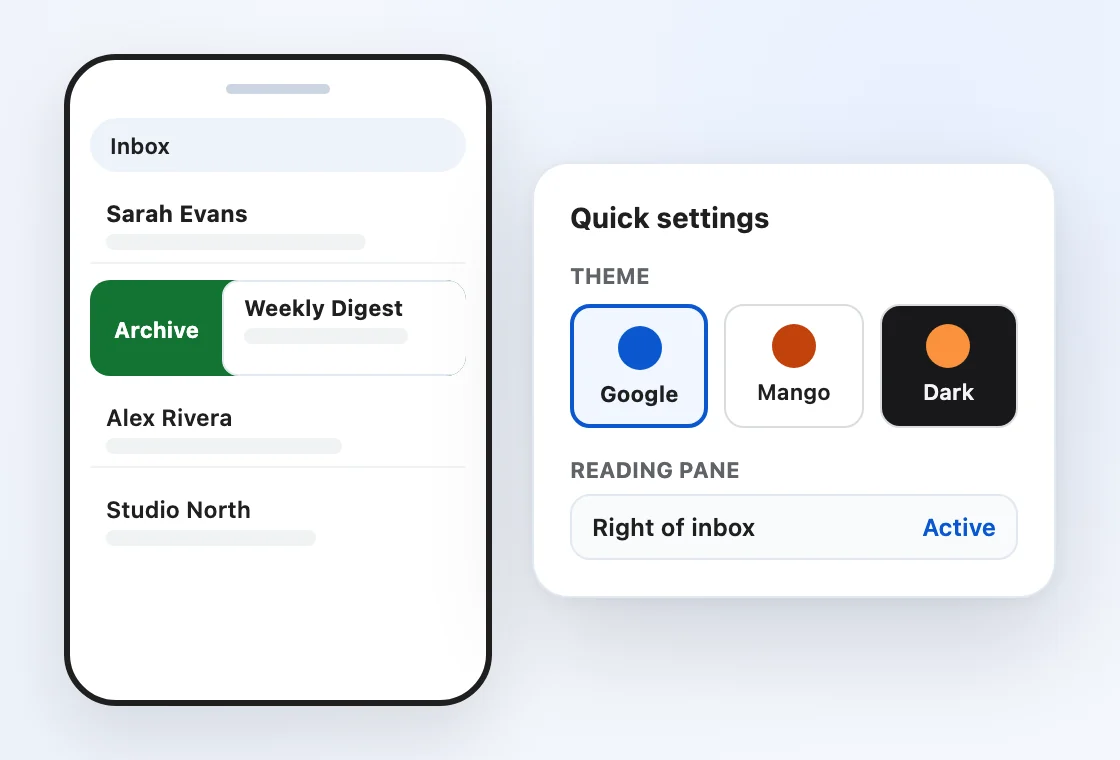
Natural swipe gestures on mobile
Glide right to archive or left to delete on your phone with smooth, effortless touch controls.
Themes & spacing that fit your eyes
Switch anytime between crisp Google light, warm Mango, or restful Dark mode — plus Comfortable or Compact density.
Fast even on spotty Wi-Fi
Opens in a blink on airport Wi-Fi, mobile data, or an older laptop without slowing down your browser.
Mango Mail is part of the Mango Suite
Simple, fast tools for email, documents, and everyday work — all in one place.
Find the answers you need
Does Mango Mail store or read my emails?
Will my labels, drafts, and calendar sync with Gmail?
Do I need to sign back in every time I open a tab?
Can I use Mango Mail on my phone or tablet?
Ready for a calmer, faster inbox?
Sign in with your Google account and pick up right where you left off.